What Is MDR, and Does a Small Business Need It?
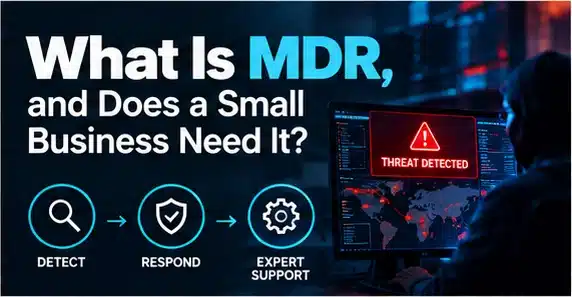
Managed Detection and Response (MDR) is a security service that monitors for threats, investigates suspicious activity and helps contain attacks. A small business may need MDR when it lacks people to review alerts and respond quickly. It complements antivirus and other controls; it does not replace backups, identity security, staff training or a clear incident plan.
Key takeaways
- MDR combines security technology with people who triage alerts, investigate threats and coordinate a response.
- Antivirus mainly prevents or detects known malicious activity.
- Headcount alone does not decide.
- Ask about monitored systems, onboarding, alert triage, response authority, hours of coverage, escalation contacts, reporting, exclusions and data location.
What does MDR actually do?
MDR combines security technology with people who triage alerts, investigate threats and coordinate a response. Coverage varies: some services focus on endpoints, while others include identity, cloud and email signals. Ask exactly what is monitored and what action the provider can take.
How is MDR different from antivirus and EDR?
Antivirus mainly prevents or detects known malicious activity. Endpoint Detection and Response (EDR) adds deeper endpoint visibility and response functions. MDR is the managed service around detection, investigation and action. Buying EDR software alone does not mean someone is monitoring it around the clock.
Does a business with ten employees need MDR?
Headcount alone does not decide. Consider the sensitivity of client information, dependence on cloud services, working hours, supplier obligations and your ability to respond to alerts. A ten-person healthcare or legal practice may have higher exposure than a larger low-data business.
What should a good MDR contract include?
Ask about monitored systems, onboarding, alert triage, response authority, hours of coverage, escalation contacts, reporting, exclusions and data location. Clarify whether the provider can isolate a device or disable an account and how they obtain approval.
Free download: get the Choosing a Security Partner guide to turn this advice into a repeatable process.
What questions should you ask about 24/7 monitoring?
Find out whether humans investigate alerts outside office hours, which incidents trigger a call, how quickly cases are acknowledged and how performance is reported. Avoid assuming that a dashboard with alerts is equivalent to an active response team.
Can MDR replace Cyber Essentials or good IT support?
No. MDR is one layer in a wider defence. Secure configuration, MFA, patching, backups and staff awareness remain essential. Good IT support keeps systems functioning; security operations investigate threats and coordinate containment.
How should a small business choose an MDR provider?
Ask for a clear service description, a sample incident report, escalation process and references you can verify. Choose coverage that fits your systems and risks, not the provider with the longest list of product logos.
What should you do next?
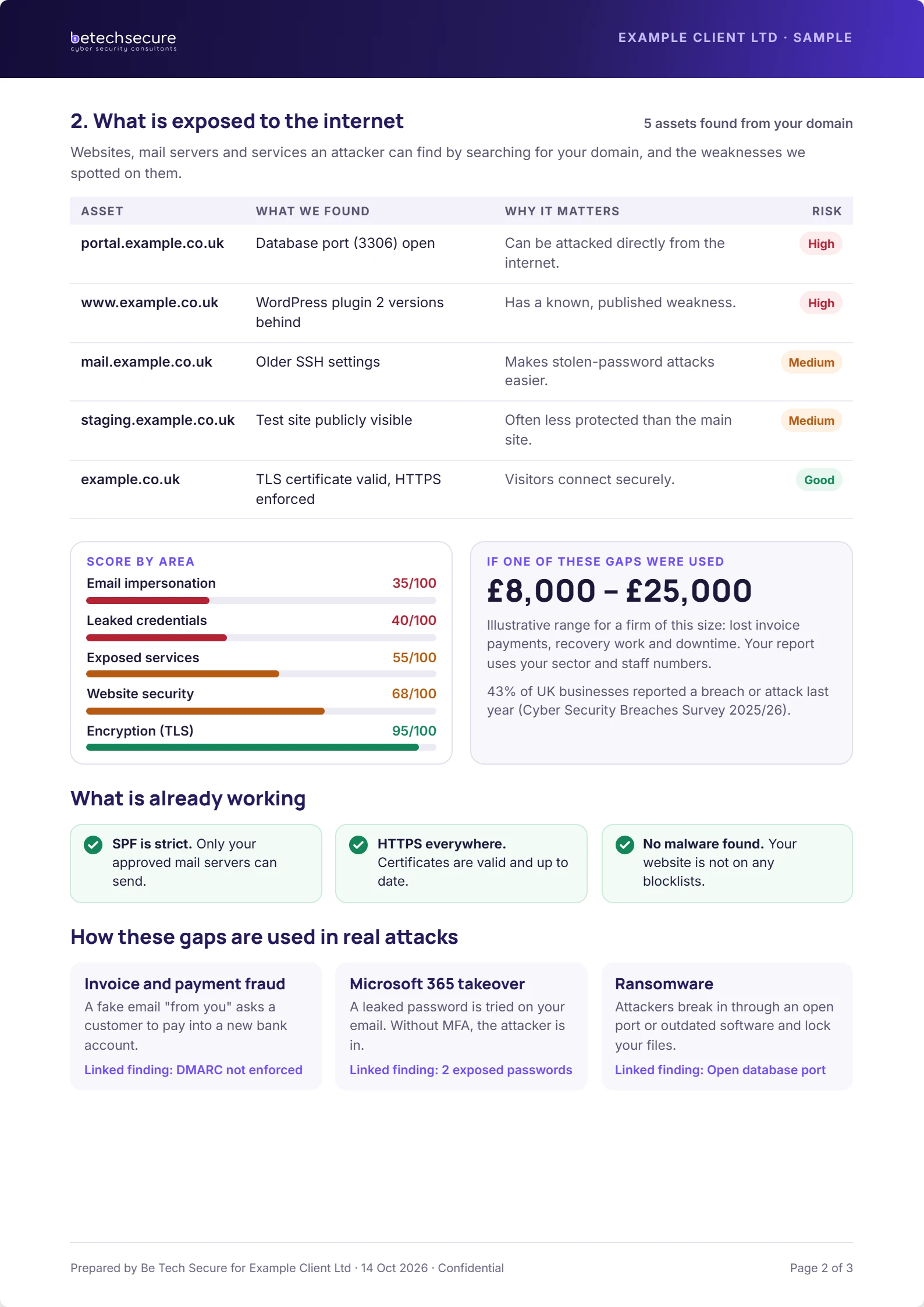
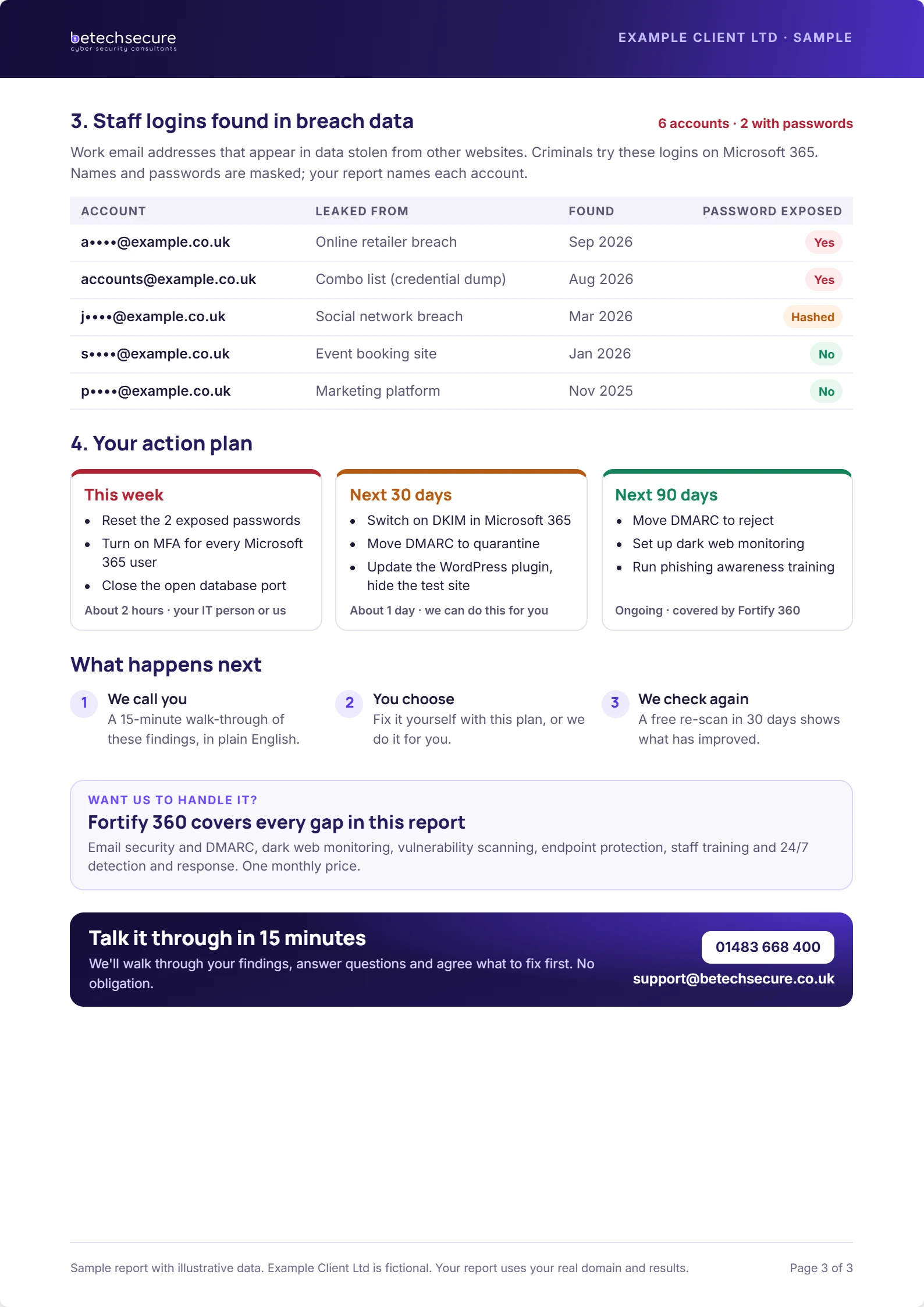
If you are unsure where your current setup stands, Be Tech Secure can help you identify priorities and explain practical next steps. Request a free security risk review or book a short discussion.
Frequently asked questions
What is the first step for a small business?
Start with a clear inventory of users, devices, accounts and essential systems. Then confirm the controls most likely to reduce immediate risk. Assign one person to track the actions and dates. A small, verified improvement is more valuable than a long checklist nobody owns.
Can we do this without an in-house IT team?
Yes. A small business can assign internal ownership while using an external provider for technical changes and monitoring. The key is to agree who approves access, who receives alerts and who responds to incidents. Do not assume those responsibilities are included in a support contract.
How often should we review our arrangements?
Review important accounts and alerts routinely, and schedule a wider review at least every six months. Reassess sooner after a significant staffing, supplier, licence or system change. Record what was checked, what was fixed and which risks remain open.
Will one product solve the problem?
No single product covers people, processes, devices, email, identity and recovery. Choose a combination of controls that fits your actual risks. Ask vendors to explain what they do not cover, how incidents are handled and which tasks remain your responsibility.