Microsoft 365 Security: 10 Settings Every Small Business Should Check
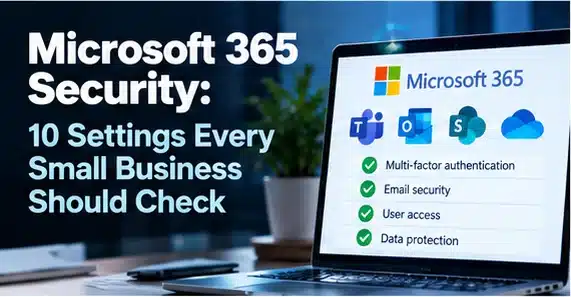
A Microsoft 365 security checklist should start with multi-factor authentication, administrator accounts, legacy authentication, conditional access, email protection, audit logging and sharing controls. Small businesses should also check device management, recovery options and third-party application permissions. The exact settings available depend on your Microsoft 365 licences and identity configuration.
Key takeaways
- Require multi-factor authentication for users and administrators.
- Use dedicated administrator identities and assign only the permissions needed.
- Older authentication methods may not support modern security checks.
- Review Conditional Access or Security Defaults according to licensing and business needs.
1. Is MFA enabled for every account?
Require multi-factor authentication for users and administrators. Review authentication methods and enrolment coverage, not just whether a policy exists. Phishing-resistant methods provide stronger protection where supported.
2. Are administrator accounts separate?
Use dedicated administrator identities and assign only the permissions needed. Avoid daily email use from privileged accounts. Review Global Administrator membership and protect emergency access accounts.
3. Is legacy authentication blocked?
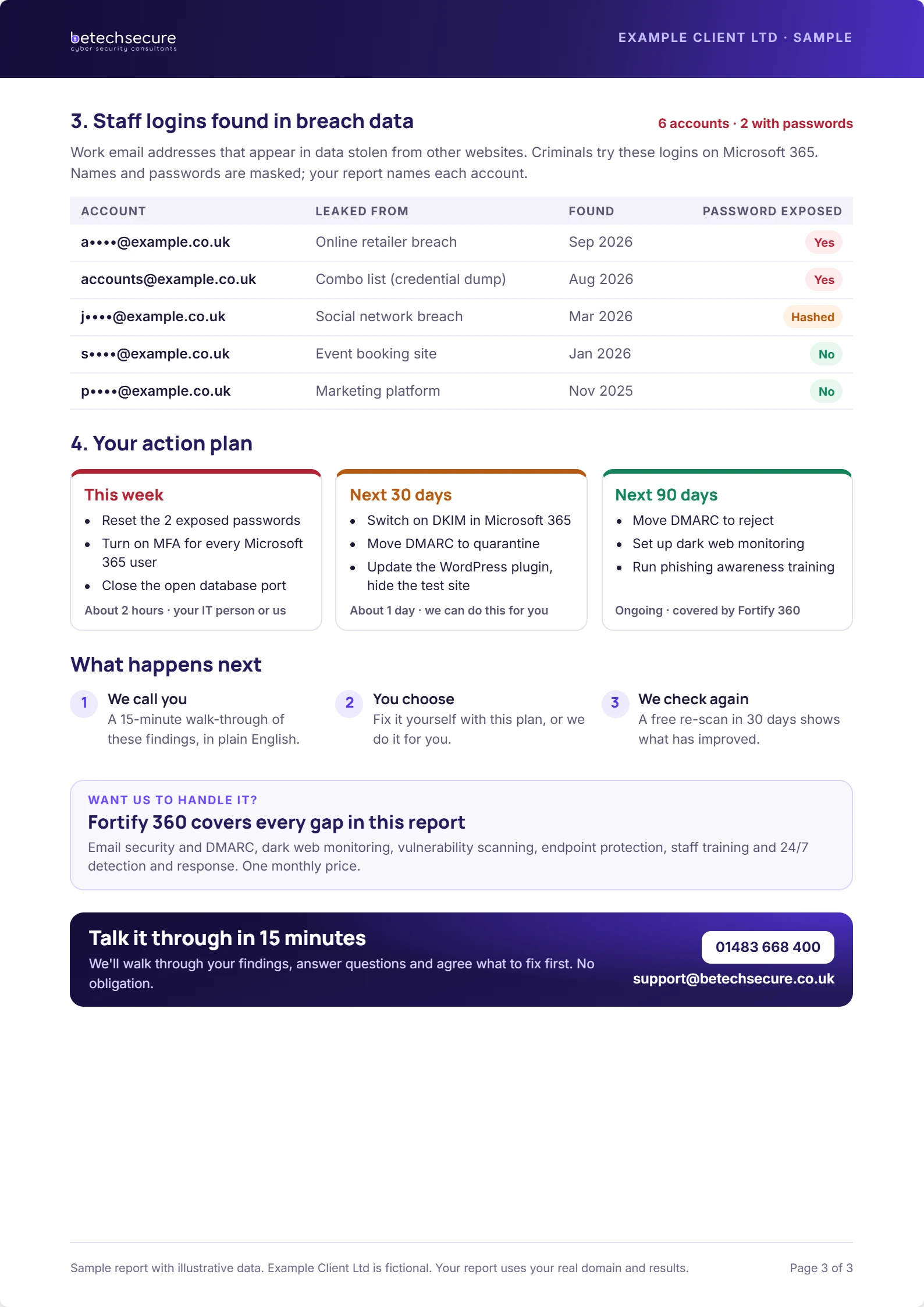
Older authentication methods may not support modern security checks. Confirm that legacy authentication is blocked where applicable, and identify any remaining applications or devices that still depend on it before making changes.
4. Are sign-in policies appropriate?
Review Conditional Access or Security Defaults according to licensing and business needs. Check risky locations, unmanaged devices and administrator sign-ins. Test policies carefully to avoid locking out legitimate users.
5. Is email threat protection configured?
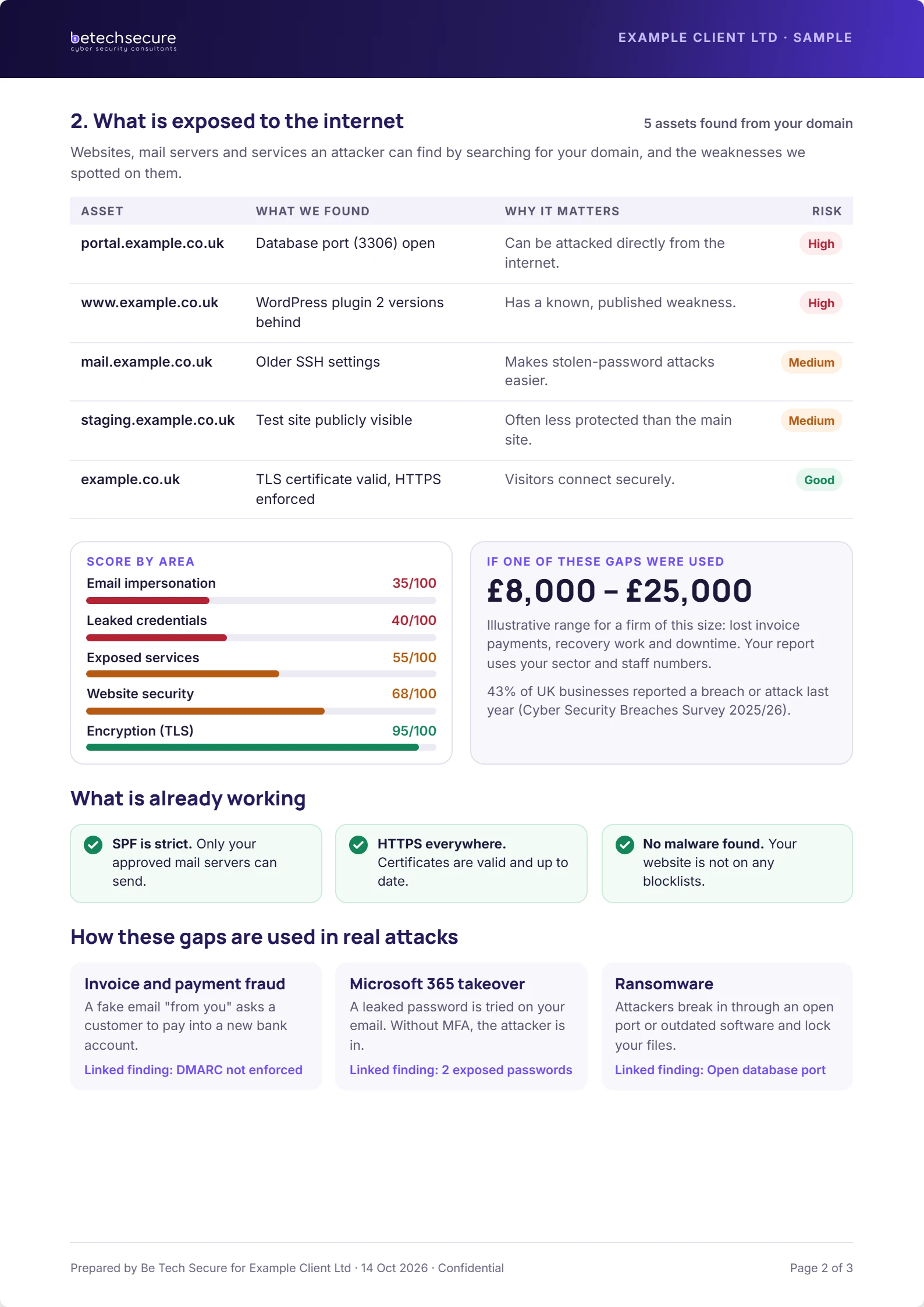
Review anti-phishing, anti-malware, safe-link and attachment protection features available in your licence. Check quarantine handling and who can release messages. Protect your domain with SPF, DKIM and DMARC.
6. Can you investigate suspicious sign-ins?
Confirm the availability and retention of audit and sign-in logs for your licensing tier. Make sure someone actually reviews meaningful alerts. Logging without ownership is not a monitoring service.
Free download: get the Microsoft 365 Security checklist to turn this advice into a repeatable process.
7. Are external sharing rules sensible?
Review SharePoint, OneDrive and Teams sharing policies. Restrict anonymous links where they are not needed and set expiry or access reviews where available. Sensitive client documents deserve extra scrutiny.
8. Are devices managed and encrypted?
Know which laptops and phones access business data. Apply device compliance policies where licensing supports them, require disk encryption and ensure lost devices can be dealt with quickly.
9. Are recovery and backups tested?
Check account recovery, retention and the organisation’s backup requirements. Microsoft 365 retention features and third-party backups solve different problems. Test that a deleted file or mailbox item can be recovered within your business target.
10. Have third-party app permissions been reviewed?
Review enterprise applications, consent grants and unused integrations. An over-permissioned application can expose data even when user passwords are strong. Remove integrations that no longer have an owner.
How often should these settings be reviewed?
Check critical alerts routinely, review administrators and external sharing at least quarterly, and repeat a full baseline review after major licence or configuration changes. Record findings and assign remediation owners.
What should you do next?
If you are unsure where your current setup stands, Be Tech Secure can help you identify priorities and explain practical next steps. Request a free security risk review or book a short discussion.
Frequently asked questions
What is the first step for a small business?
Start with a clear inventory of users, devices, accounts and essential systems. Then confirm the controls most likely to reduce immediate risk. Assign one person to track the actions and dates. A small, verified improvement is more valuable than a long checklist nobody owns.
Can we do this without an in-house IT team?
Yes. A small business can assign internal ownership while using an external provider for technical changes and monitoring. The key is to agree who approves access, who receives alerts and who responds to incidents. Do not assume those responsibilities are included in a support contract.
How often should we review our arrangements?
Review important accounts and alerts routinely, and schedule a wider review at least every six months. Reassess sooner after a significant staffing, supplier, licence or system change. Record what was checked, what was fixed and which risks remain open.
Will one product solve the problem?
No single product covers people, processes, devices, email, identity and recovery. Choose a combination of controls that fits your actual risks. Ask vendors to explain what they do not cover, how incidents are handled and which tasks remain your responsibility.