How to Protect Your Business When Employees Leave
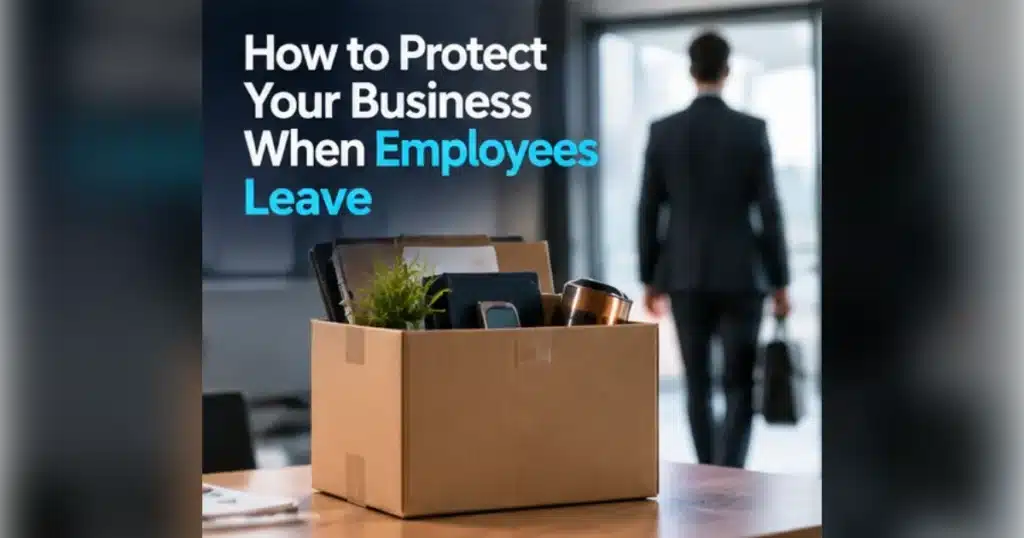
An employee offboarding security checklist helps a business remove access, recover equipment and protect information when someone leaves. Agree the departure timing, disable accounts and sessions, recover devices, transfer business ownership and review shared passwords. HR, management and IT should coordinate the process so nothing important is missed.
Key takeaways
- Coordinate departure timing between HR, IT and managers.
- Disable accounts and revoke sessions, not just passwords.
- Recover devices and rotate shared credentials.
- Transfer business records lawfully and audit completion.
What should an employee offboarding security checklist include?
Start with a named owner and a departure date and time. List the person’s accounts, devices, applications, cloud services, shared folders and any physical access.
HR should confirm the employment arrangements and the approved timing. IT should prepare technical actions, while the line manager identifies customer relationships, important files and work that must be transferred.
Keep a record of completion and exceptions. A checklist is only useful if somebody verifies that each action happened.
When should you remove a departing employee’s access?
The right timing depends on the circumstances and the organisation’s approved process. For a routine departure, coordinate the account changes with the agreed end of access.
For a high-risk or contentious departure, HR, legal and IT may need a tightly coordinated plan that protects people, data and business continuity. Do not improvise or act outside applicable employment obligations.
Disable or remove access to Microsoft 365, VPN, password managers, line-of-business systems, CRM, telephony and third-party portals. Revoke active sessions and review tokens where supported.
How do you protect shared passwords and company devices?
Rotate shared credentials the departing person knew, especially administrative or supplier accounts. Replace personal access with named accounts wherever possible.
Recover laptops, phones, access cards, security keys and storage devices. Record the device condition and confirm whether business data remains on personal devices under your BYOD policy.
Do not wipe a device before checking retention, legal hold and business records requirements. Secure the device and use a documented handover process.
Free download: get the Starter and leaver checklist to turn this advice into a repeatable process.
What happens to email, files and customer relationships?
Transfer ownership of customer accounts, calendars, documents and automated workflows to an authorised colleague. Review forwarding rules and third-party integrations.
Retain personal data only where there is a lawful purpose and appropriate retention policy. Avoid giving managers unrestricted access to a former employee’s mailbox without a documented reason and suitable controls.
Communicate a new contact route to clients when needed. Remove outdated employee details from public websites and social media administration roles.
How can small businesses make offboarding reliable?
Use one workflow shared by HR, IT and the manager, with a standard checklist and a completion deadline. Automate repeatable steps where appropriate, but retain human checks for exceptions.
Audit a sample of departures each quarter. Look for active licences, orphaned accounts, forgotten supplier portals and devices not returned.
Apply the same discipline to contractors, temporary staff and people changing roles. Access reviews are a continuing process, not only a leaving-day task.
What should you do next?
Want to know where your business is exposed? Request a free security risk review or book a 15-minute conversation with Be Tech Secure.
Frequently asked questions
Should we delete an employee’s Microsoft 365 account immediately?
Not automatically. First consider business continuity, retention, licensing and legal requirements. Disable access promptly according to the approved process, then manage retention and deletion deliberately.
What if the employee used a personal phone?
Follow your BYOD policy and assess what company accounts or data remain accessible. Remove corporate access and managed business data using approved controls while respecting personal information.
Do contractors need the same offboarding process?
Yes, with steps tailored to their access. Contractors may have supplier portals, shared repositories or temporary credentials that are easy to overlook.
Who should sign off the checklist?
A manager or designated process owner should confirm the business handover, while IT verifies technical access changes and HR confirms the employment process is complete.