7 Things Every Business Owner Should Know About Cyber Security
Cyber security for small businesses starts with seven practical controls: protect accounts with multi-factor authentication, keep devices updated, secure email, back up important data, train staff, manage access and plan for incidents. Owners do not need to become technical experts, but they do need to know who is responsible for each control.
Key takeaways
- A small business can lose access to email, payments and customer records after one compromised account.
- Multi-factor authentication (MFA) adds another check beyond a password.
- Unsupported software and delayed patches leave known weaknesses available to attackers.
- Email security has two sides: protecting inboxes and making it harder to spoof your domain.
Why should small businesses take cyber security seriously?
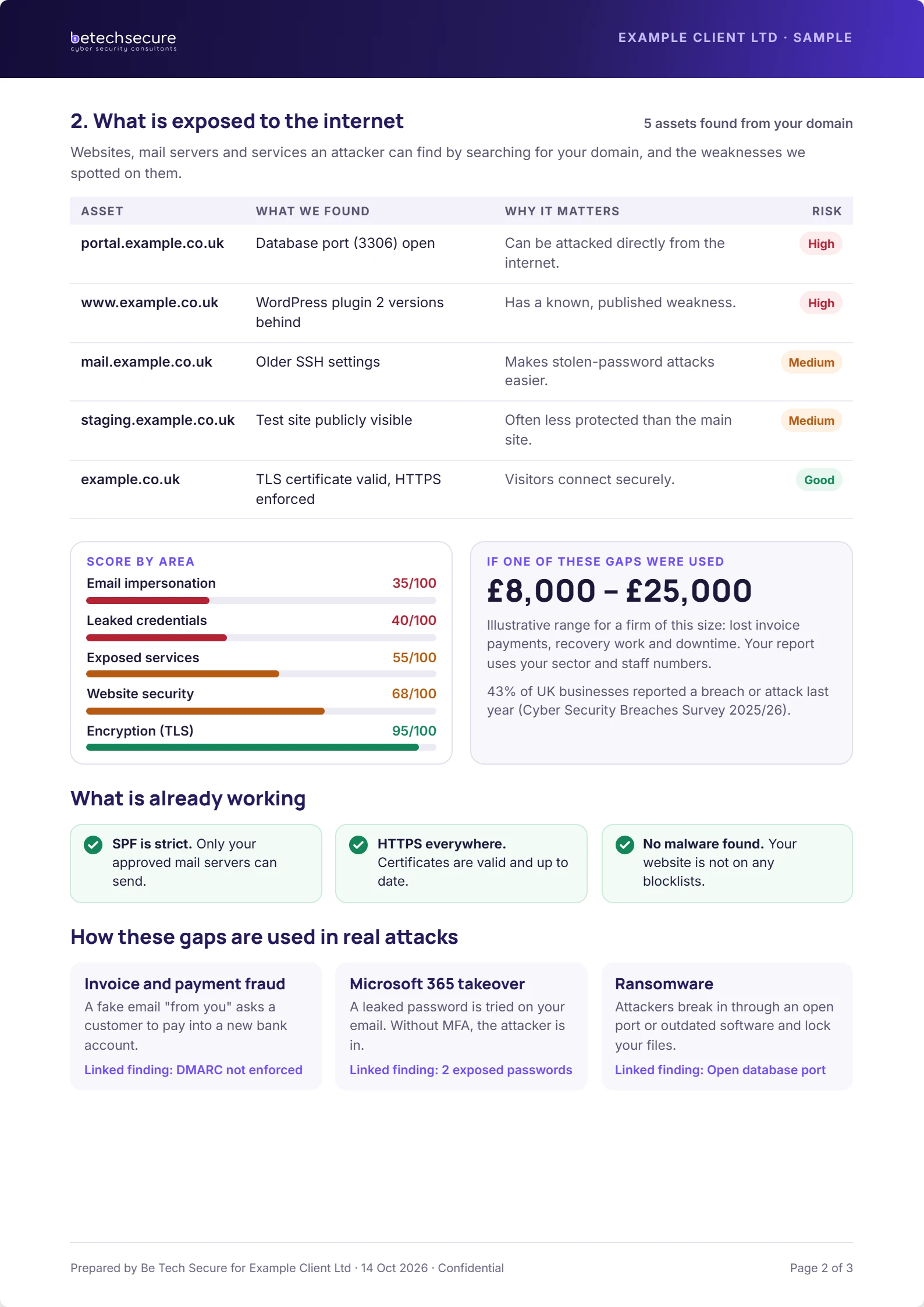
A small business can lose access to email, payments and customer records after one compromised account. The UK Cyber Security Breaches Survey 2025/2026 found that 43% of businesses identified a breach or attack in the preceding 12 months. That measures identified incidents, not every incident that happened. The practical question is not whether you are interesting to criminals. It is how quickly you could spot a problem and keep trading.
1. Are your important accounts protected with MFA?
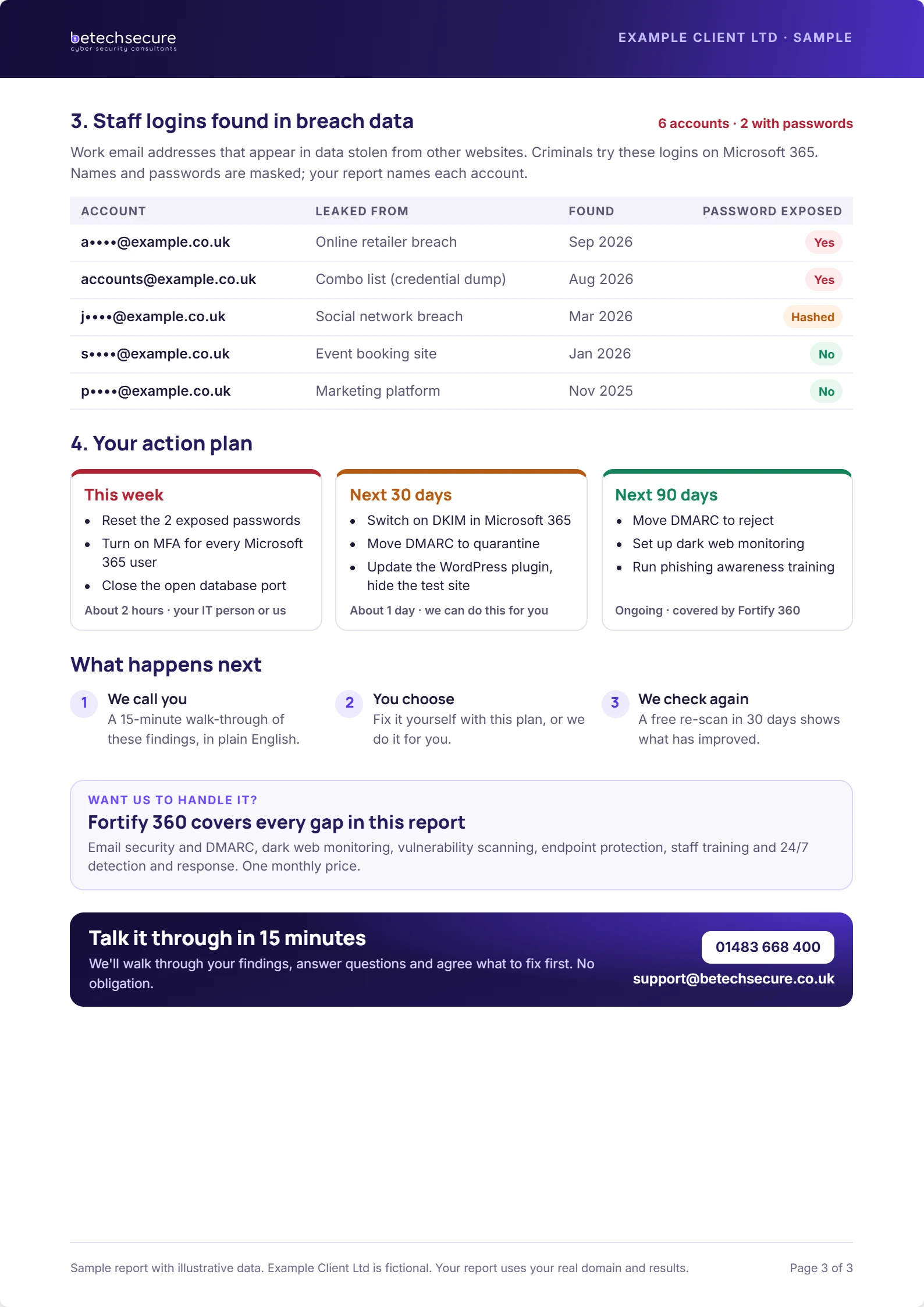
Multi-factor authentication (MFA) adds another check beyond a password. Enable it first on email, Microsoft 365, finance platforms, administrator accounts and remote access. Prefer phishing-resistant methods where supported. Check that former employees cannot still sign in and that emergency administrator accounts are tightly controlled.
2. Are laptops and phones receiving security updates?
Unsupported software and delayed patches leave known weaknesses available to attackers. Keep an inventory of business devices, switch on automatic updates and give someone ownership of exceptions. Remember personal devices used for work and the software inside your web browser.
3. Can criminals impersonate your email domain?
Email security has two sides: protecting inboxes and making it harder to spoof your domain. Review SPF, DKIM and DMARC with a competent administrator, and check that employees know how to verify unexpected payment requests. Technical filtering reduces risk but cannot replace a sensible call-back process.
4. Could you restore your business data after an attack?
A backup is only useful when it can be restored. Identify essential files, databases and Microsoft 365 data, set appropriate recovery targets and test a restore. Keep at least one backup protected from everyday user accounts and from ransomware spreading through the network.
Free download: get the SME First 10 Basics checklist to turn this advice into a repeatable process.
5. Would staff recognise a suspicious request?
Make security awareness relevant to everyday jobs: fake supplier invoices, password reset prompts, QR-code scams and urgent requests from senior managers. Give people a simple way to report concerns without blame. Reinforce short lessons regularly rather than relying on an annual presentation.
6. Does everyone have only the access they need?
People change roles and leave companies. Use a joiner, mover and leaver process to approve access, remove it promptly and review privileged accounts. Shared logins make investigations harder. Review external suppliers and application permissions as well as employees.
7. What happens if you discover an attack tomorrow?
Write a one-page incident plan listing the decision-maker, IT and security contacts, insurer, legal adviser and banking contacts. Practise a scenario where email is unavailable. Preserve evidence, isolate affected devices where advised and understand when personal-data incidents may need reporting to the ICO.
How can you prioritise the first month?
In week one, confirm MFA and administrator access. In week two, review backups and patching. In week three, test payment verification and staff reporting. In week four, run a short incident exercise. Track owners, evidence and unresolved risks, rather than marking every item complete without checking.
What should you do next?
If you are unsure where your current setup stands, Be Tech Secure can help you identify priorities and explain practical next steps. Request a free security risk review or book a short discussion.
Frequently asked questions
What is the first step for a small business?
Start with a clear inventory of users, devices, accounts and essential systems. Then confirm the controls most likely to reduce immediate risk. Assign one person to track the actions and dates. A small, verified improvement is more valuable than a long checklist nobody owns.
Can we do this without an in-house IT team?
Yes. A small business can assign internal ownership while using an external provider for technical changes and monitoring. The key is to agree who approves access, who receives alerts and who responds to incidents. Do not assume those responsibilities are included in a support contract.
How often should we review our arrangements?
Review important accounts and alerts routinely, and schedule a wider review at least every six months. Reassess sooner after a significant staffing, supplier, licence or system change. Record what was checked, what was fixed and which risks remain open.
Will one product solve the problem?
No single product covers people, processes, devices, email, identity and recovery. Choose a combination of controls that fits your actual risks. Ask vendors to explain what they do not cover, how incidents are handled and which tasks remain your responsibility.