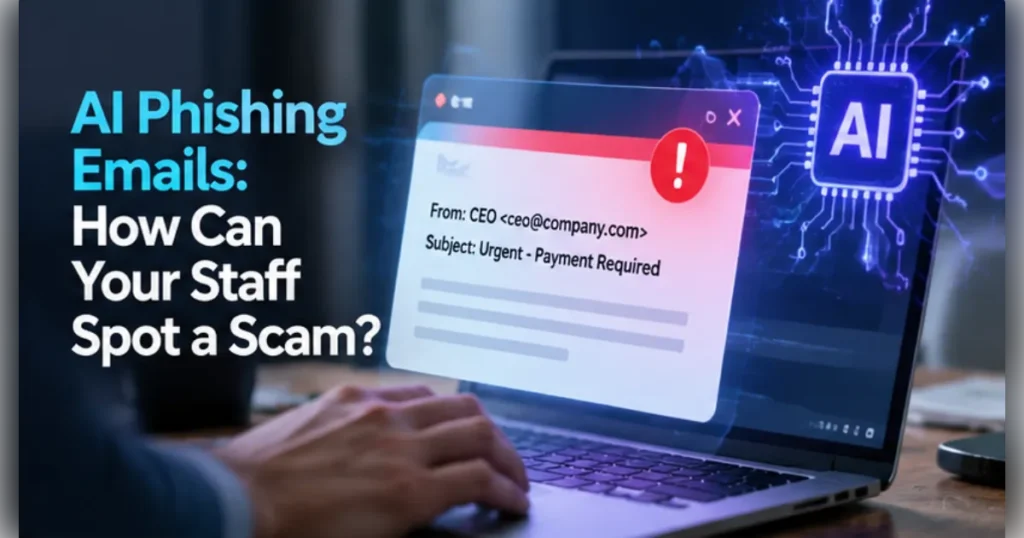
AI Phishing Emails: How Can Your Staff Spot a Scam?
AI phishing emails use artificial intelligence to create convincing messages that try to steal information, passwords or money. Staff should check the sender and context, treat unusual urgency with caution and verify sensitive requests through a known contact route. Good reporting habits, multifactor authentication and email security provide additional protection.
Key takeaways
- Good spelling no longer proves an email is genuine.
- Verify bank detail changes using a trusted number.
- Combine staff training with MFA and email controls.
- Make reporting suspicious messages easy and blame-free.
What makes AI phishing emails harder to recognise?
Generative AI can help criminals write fluent messages with natural spelling, believable tone and industry-specific language. A polished email is therefore not evidence that the sender is genuine.
Attackers may combine publicly available company details with a forged display name, lookalike domain or compromised mailbox. The result can resemble a normal request from a director, supplier or colleague.
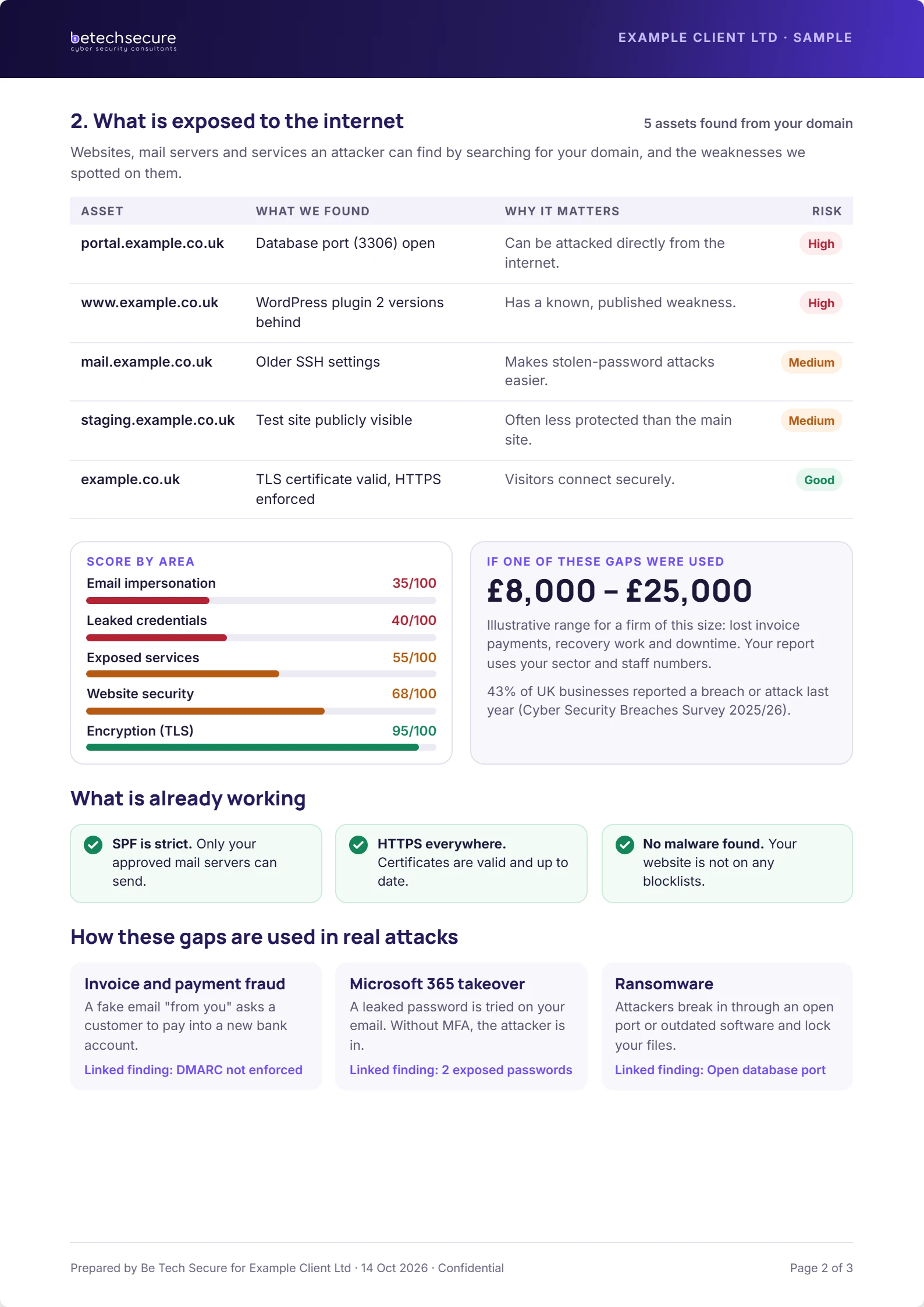
A common scenario is an apparent finance director asking for an urgent bank detail change. The safe response is to verify the request using a telephone number already held in company records.
What warning signs should staff check?
Look for unexpected payment changes, pressure to act immediately, requests to bypass normal approvals and links that do not match the service being discussed. Be wary of login pages reached through unsolicited messages.
Check the full email address, not just the display name. A familiar name can hide an unrelated domain, while a compromised genuine mailbox may still send harmful messages.
Attachments, QR codes and requests to move a conversation to another channel can also be suspicious. None of these signs alone proves fraud; context and independent verification matter.
How should you verify a suspicious payment or login request?
Pause the requested action. Open the company’s approved contact list or accounting system, find the supplier’s established number and call them directly.
Do not use the phone number, reply address or link supplied in the suspicious message. For a payment change, require a second authorised person to approve the update after independent verification.
If a colleague entered a password into a suspicious page, report it immediately. Security staff may need to reset credentials, revoke active sessions and review account activity.
Free download: get the Phishing prevention checklist to turn this advice into a repeatable process.
Which controls reduce phishing risk for small businesses?
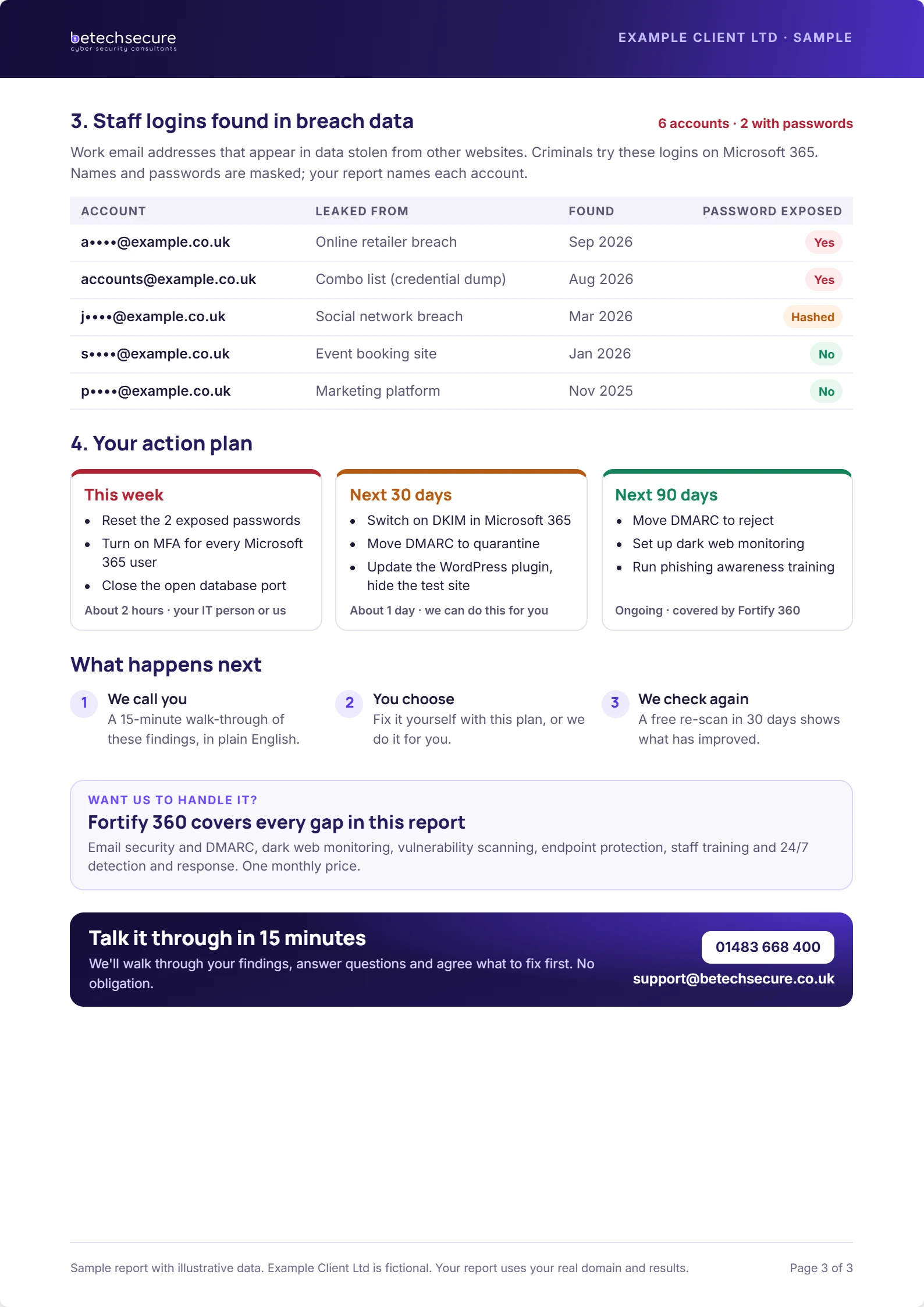
Multifactor authentication adds a barrier when passwords are stolen. Email authentication controls such as SPF, DKIM and DMARC can reduce some forms of domain spoofing when configured and monitored correctly.
Filtering, endpoint protection and awareness training provide different layers. No single product can prevent every social engineering attempt, particularly when a genuine account has been compromised.
Make reporting simple: a button in the email client, a dedicated mailbox or a clear telephone contact. Praise prompt reporting so employees do not hide mistakes.
How often should staff receive phishing training?
Provide practical training when people join and reinforce it regularly with short updates and realistic examples. Finance, HR and senior management teams need extra attention because they handle payments, identities and sensitive data.
Review examples after real attempts. Explain what made the message suspicious and show the exact verification process the employee should have used.
Measure useful outcomes, such as prompt reporting and consistent callback checks, rather than relying only on a quiz score.
What should you do next?
Want to know where your business is exposed? Request a free security risk review or book a 15-minute conversation with Be Tech Secure.
Frequently asked questions
Can AI write phishing emails without spelling mistakes?
Yes. AI tools can produce fluent, convincing text. Staff should focus on the request, identity and verification process rather than treating spelling errors as the main warning sign.
Can DMARC stop all phishing?
No. DMARC helps with email authentication and some domain impersonation, but it cannot stop every attack, including messages from compromised genuine accounts or unrelated lookalike domains.
What if someone clicks a phishing link?
Report it promptly. If credentials were entered, the security team should assess account access, reset affected passwords, revoke sessions and review signs of compromise.
Who needs phishing awareness training?
Everyone who uses business email needs a basic understanding. Staff who approve payments, manage accounts or handle sensitive records benefit from tailored scenarios and stronger verification processes.